Free
All the essentials, forever.
€0forever
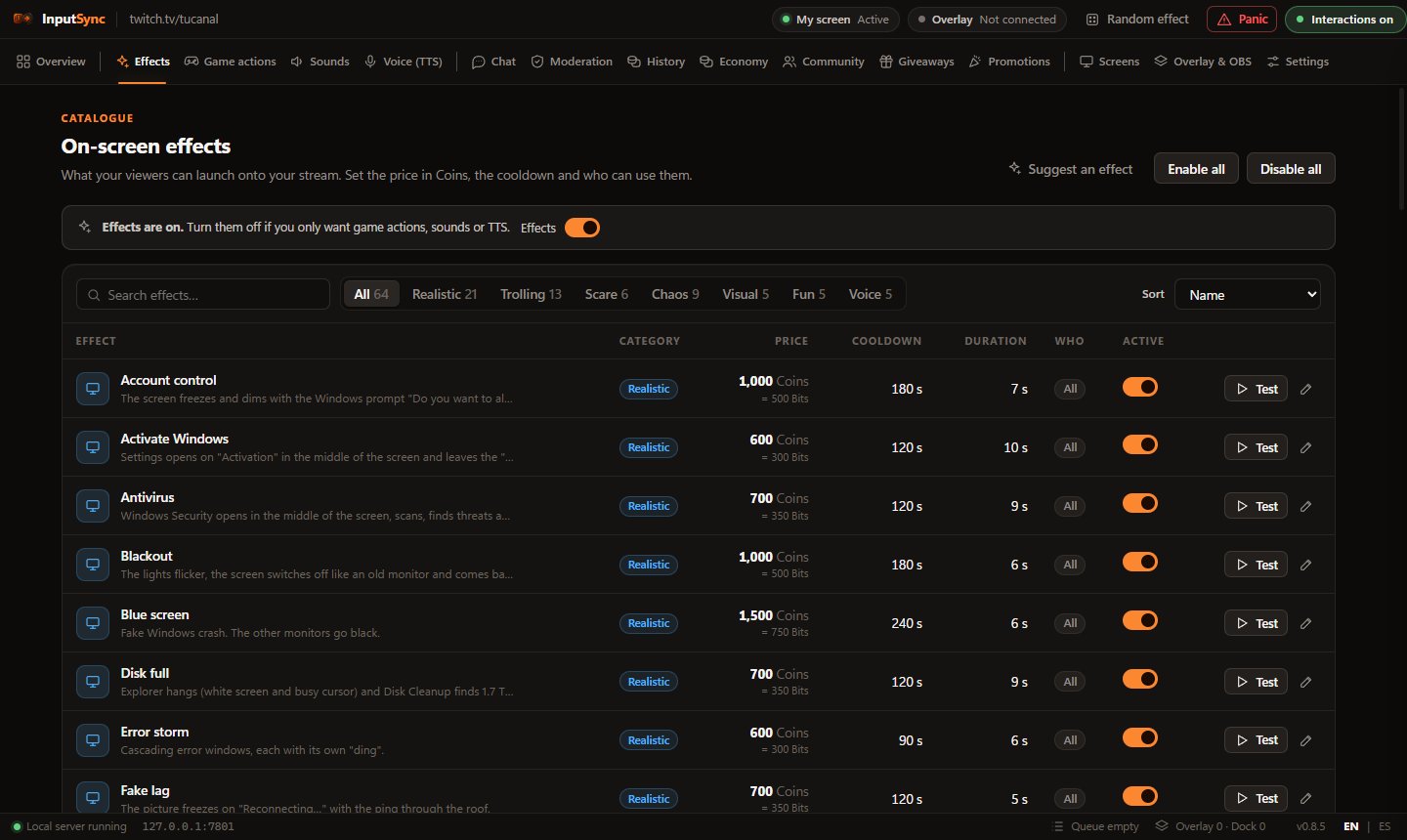
- 64 effects, sounds and TTS with AI filter
- Your own currency and Bits packs
- Twitch extension and mod panel
- Game actions
- Automatic coins
Let your viewers trigger effects, sounds and text-to-speech by paying with Bits. You decide what they can do, they decide when. All in real time.
Demo: this is how the extension looks on your channel. Click the key, drag it around and trigger effects for free (with sound).
InputSync is a Twitch extension + a desktop app. Viewers pay with Bits; you get the Bits and they get coins to interact with.
Shaders, filters, colors… your viewers pick effects that hit your stream in real time. You choose which ones and how much they cost.
Text-to-speech with a built-in AI filter so nothing gets read out that shouldn't. Custom alerts and sounds that you upload.
Every channel has its own currency. Viewers earn it by watching the stream or buying packs with Bits. You set the name, the prices and the rules.
Moderator panel right inside the extension. Mute, give/take coins, check history. Your mods can help without leaving the chat.
Who watches most, who spends most, which effects get used. Real data to get to know your community.
Change colors, names, prices, sounds and effects. Every streamer can make InputSync completely their own.
Run a happy hour with discounts (by hand or on its own every X minutes) with a countdown sign on stream, or let your chat open mystery boxes: a random effect for a fixed price… or nothing.
A goose that fills your screen with notes and mud, a shark leaping for the rubber duck, ghost cursors… And we keep adding more.
3 steps and your stream gets real interaction with your viewers.
Install InputSync on your PC, log in with Twitch and set up your effects, sounds and prices.
InputSync shows up as a panel on your Twitch channel. Viewers see it while they watch you.
While your app is open, viewers can spend coins on effects, sounds and TTS. You get the Bits.
All included in the app. Turn on the ones you want and tweak price, duration, volume and intensity.
Plus: AI-filtered text-to-speech with voice modifiers. See the effects in action →
On top of effects, your viewers can control your game. An action is just a key press or a click the app does for you, so it works with any PC game: shooters, racing, horror, sandbox, platformers…
InputSync is free. If you want your chat to control your game and earn coins on its own, Premium is a one-time payment.
All the essentials, forever.
Your chat plays with you.