Windows version
Download InputSync
A lightweight app for your PC that connects your Twitch chat to your screen and your game. Free, no ads and ready in a minute.
- Windows 10 or 11 (64-bit)
- Twitch account
- OBS, Streamlabs or similar
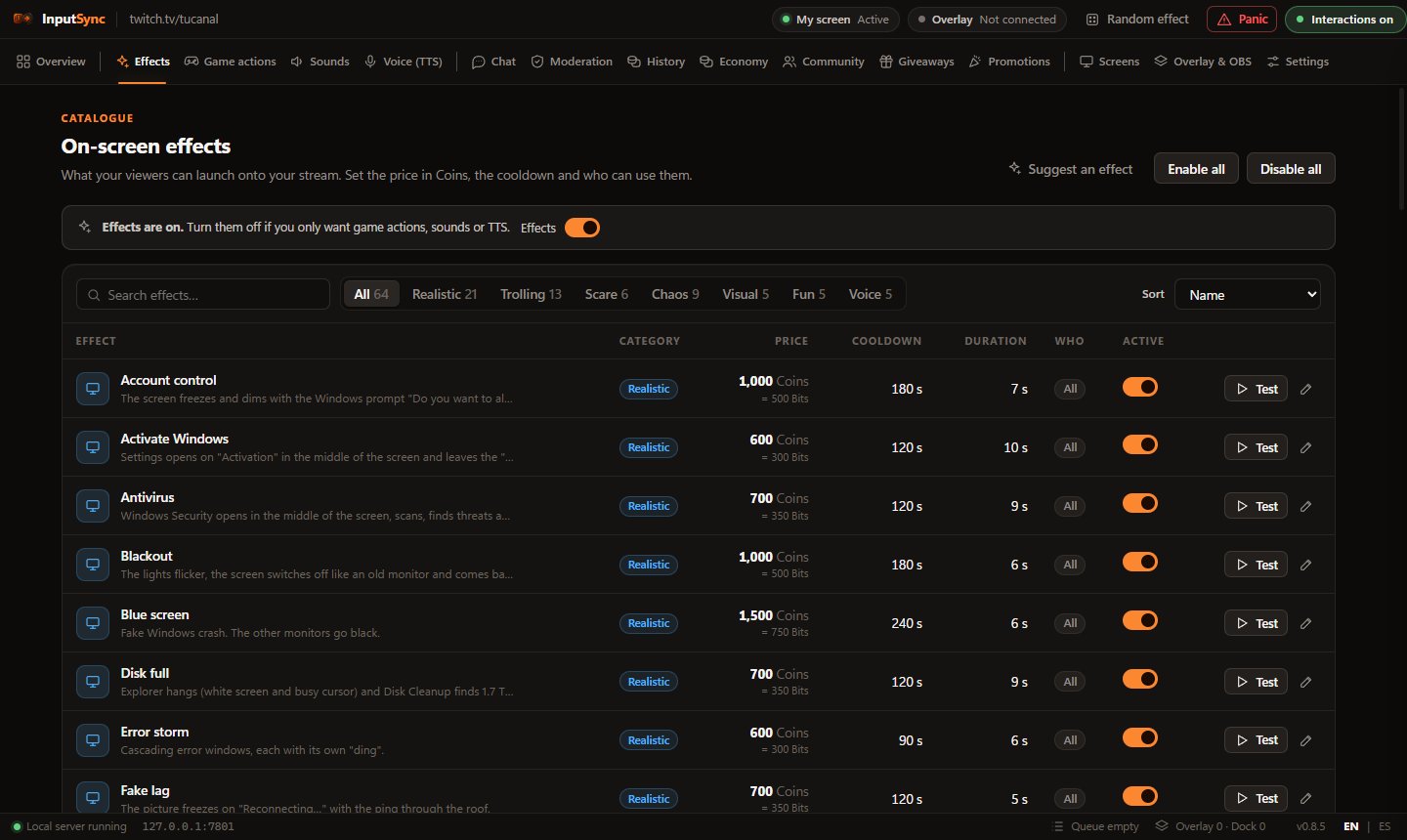
A lightweight app for your PC that connects your Twitch chat to your screen and your game. Free, no ads and ready in a minute.
Everything is controlled from a single panel. No weird setup.
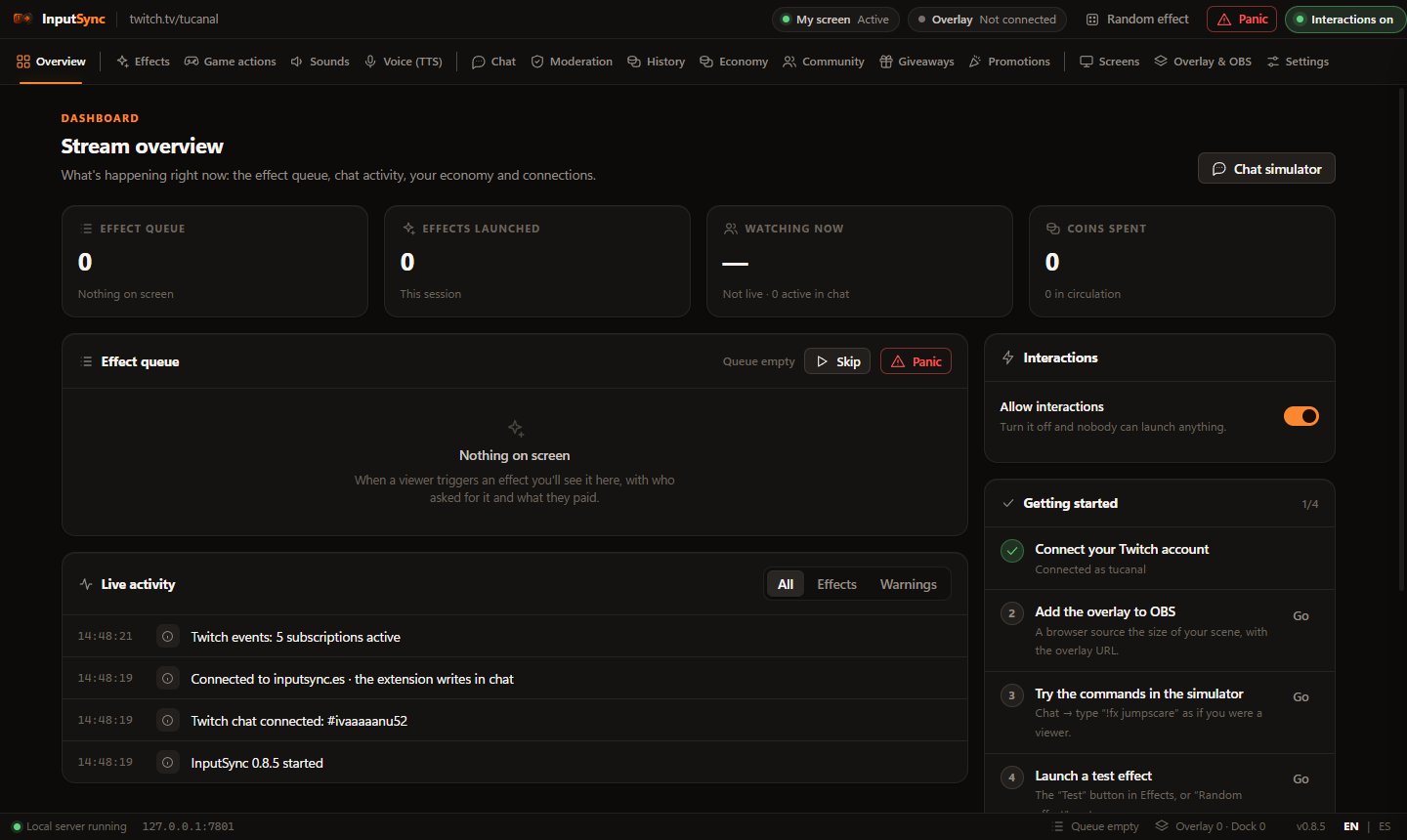
Real captures of the overlay your audience sees. Click to view them full size.
These are still images: live, almost all of them move, make sound and change every time.
Run the installer and open InputSync. Keep it open while you stream.
In Settings, click "Connect" and enter the code at twitch.tv/activate. No passwords.
Paste the overlay URL into an OBS browser source at 1920×1080. Done.